
Download Published Datasets
You can download files from published datasets using the MSD-LIVE Data Repository web interface or the command-line interface (CLI).
Download via Web Interface
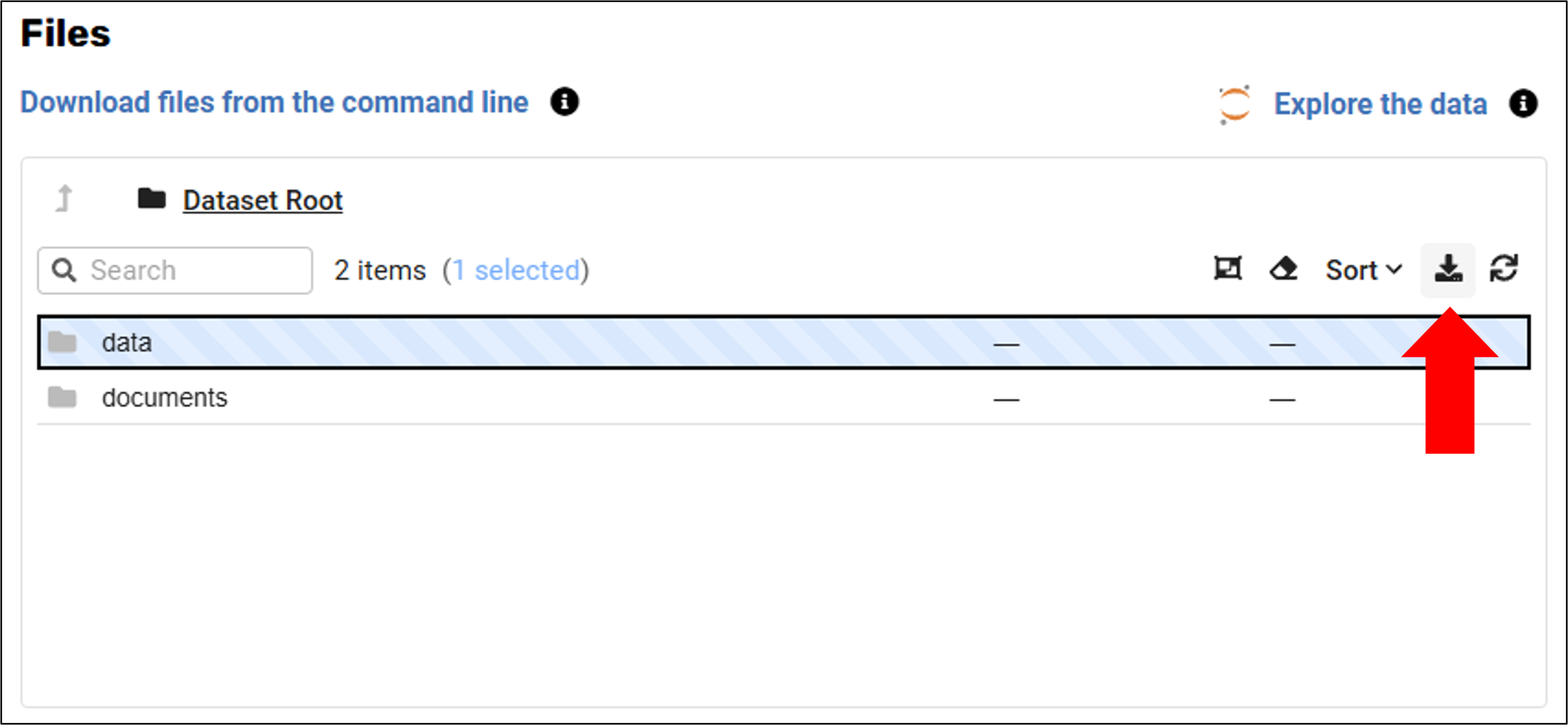
- From the Data Repository, navigate to the landing page of the dataset you want to download.
- Select the files or folders you want to download
- Click the download button
Download via CLI
You can use the MSD-LIVE command-line interface to download datasets. Use the CLI for large downloads, because browser downloads in MSD-LIVE are limited to 1 GB. The CLI avoids browser size limits and works on machines without a web browser.
See the Downloading Files section of the CLI documentation for complete instructions on using the msdlive download command.